K3S Installation
System configuration of the Raspberry Pis and k3s deployment on the control plane and workers
Cluster Nodes
The cluster consists of four Raspberry Pi 4 (8 GB RAM, 32 GB SD card), each with a fixed role:
| Node | Role |
|---|---|
| cube01 | Worker |
| cube02 | Worker |
| cube03 | Worker |
| cube04 | Control plane |
Network Configuration (optional)
By default, nodes are identified through the router’s DNS. If that’s not available, static IPs can be assigned manually.
On each node, edit /etc/network/interfaces:
auto eth0
iface eth0 inet static
    address <node-ip>
    netmask 255.255.255.0
    gateway <gateway-ip>
    broadcast <broadcast-ip>
    hostname <node-name>
Then edit /etc/hosts so each node knows the others:
127.0.0.1       localhost
::1             localhost ip6-localhost ip6-loopback
ff02::1         ip6-allnodes
ff02::2         ip6-allrouters

127.0.1.1       <node-name>
<IP-cube01>     cube01 cube01.local
<IP-cube02>     cube02 cube02.local
<IP-cube03>     cube03 cube03.local
<IP-cube04>     cube04 cube04.local
System Preparation
These steps apply to every node.
Enable cgroups
Append to the end of /boot/firmware/cmdline.txt (on a single line), then reboot:
cgroup_enable=cpuset cgroup_enable=memory cgroup_memory=1Hostname
sudo nano /etc/hostname
# Set the node name: cube01, cube02, etc.
Passwordless SSH Access
Copy the control plane’s (cube04) public SSH key into each worker’s ~/.ssh/authorized_keys to allow password-free connections.
Install iptables
sudo apt -y install iptablesDisable swap (control plane only)
Kubernetes requires swap to be disabled:
sudo swapoff -a
sudo nano /etc/dphys-swapfile
# Set CONF_SWAPSIZE=0
K3S Installation
Control plane (cube04)
curl -sfL https://get.k3s.io | INSTALL_K3S_EXEC="server" sh -s - \
  --write-kubeconfig-mode 644 \
  --node-taint CriticalAddonsOnly=true:NoExecute \
  --bind-address <IP-cube04>
The --node-taint CriticalAddonsOnly=true:NoExecute option prevents application pods from being scheduled on the control plane.
Then retrieve the worker registration token:
sudo cat /var/lib/rancher/k3s/server/node-tokenWorkers (cube01, cube02, cube03)
On each worker, install the k3s agent pointing to the control plane:
curl -sfL https://get.k3s.io | INSTALL_K3S_EXEC="agent" \
  K3S_URL=https://<IP-cube04>:6443 \
  K3S_TOKEN="<K3S_TOKEN>" sh -
Post-Installation
Node Labels
From the control plane, label each worker so workloads are correctly targeted:
kubectl label nodes cube01 kubernetes.io/role=worker node-type=worker
kubectl label nodes cube02 kubernetes.io/role=worker node-type=worker
kubectl label nodes cube03 kubernetes.io/role=worker node-type=worker
KUBECONFIG Variable
Add to /etc/environment on the control plane so Helm and other tools find the configuration:
KUBECONFIG=/etc/rancher/k3s/k3s.yamlInstall Helm
curl -fsSL -o get_helm.sh https://raw.githubusercontent.com/helm/helm/main/scripts/get-helm-3
chmod 700 get_helm.sh
./get_helm.sh
Initial Cluster State
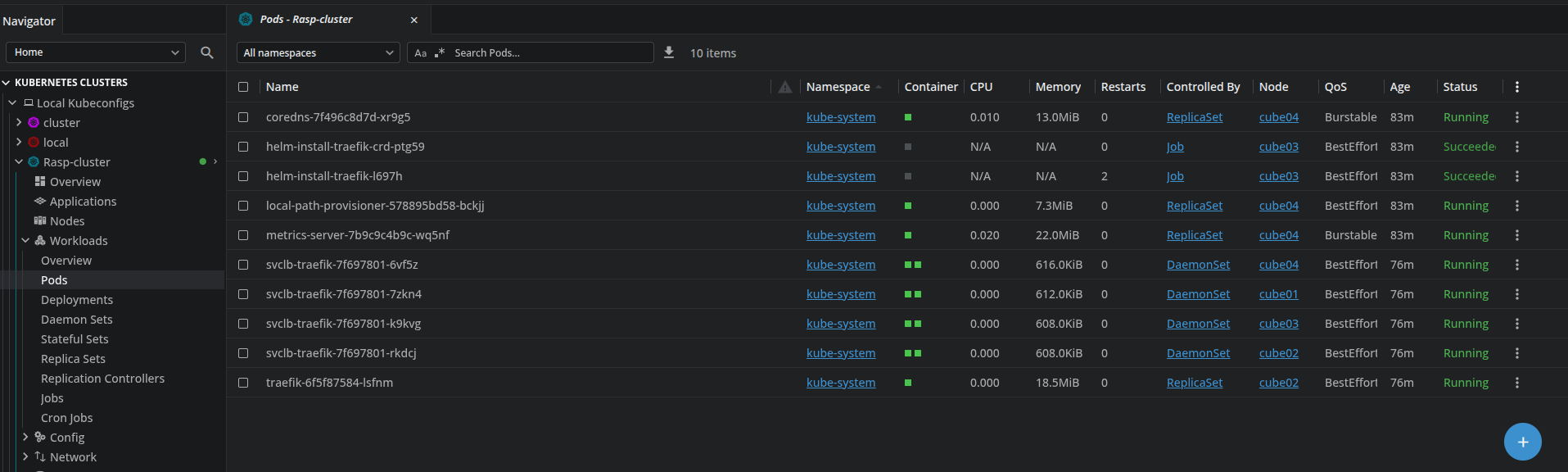
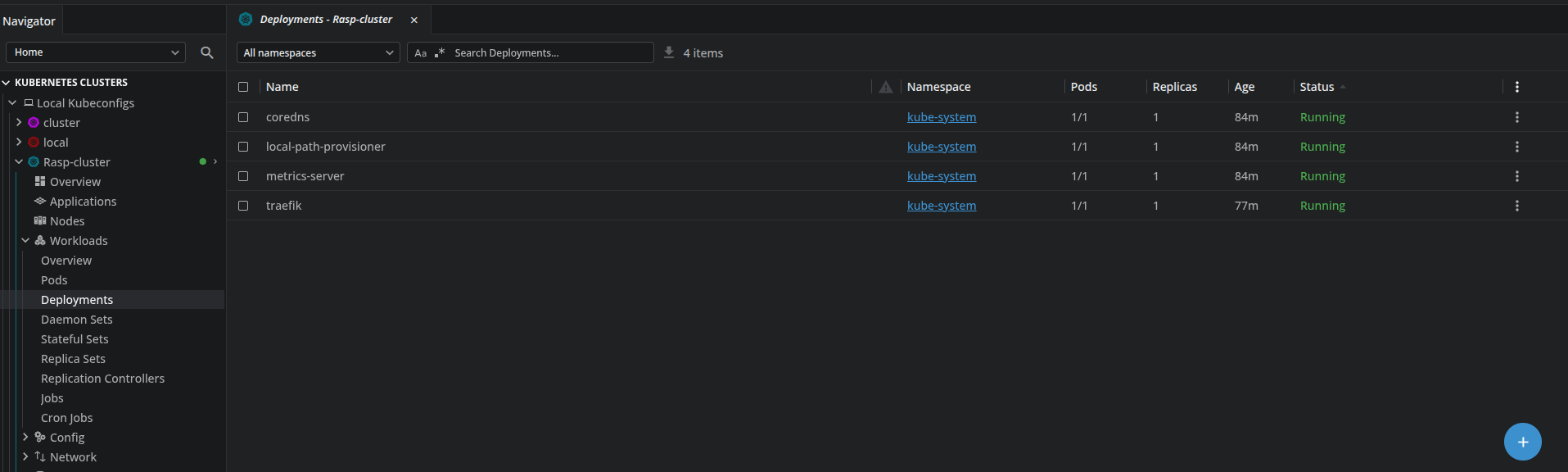
At this point, all four nodes are registered and system pods are running. kubectl get nodes should show all four nodes with Ready status.